Bronco

The Bronco Platform

Your video ads, ready for TV.

Bronco takes any video you have — a polished creative, an Instagram post, raw clips — and turns it into an ad that's ready to run on streaming TV. Upload it, check it, polish it, and reuse it across every campaign. All in one place, no editing software required.

Upload a video ad
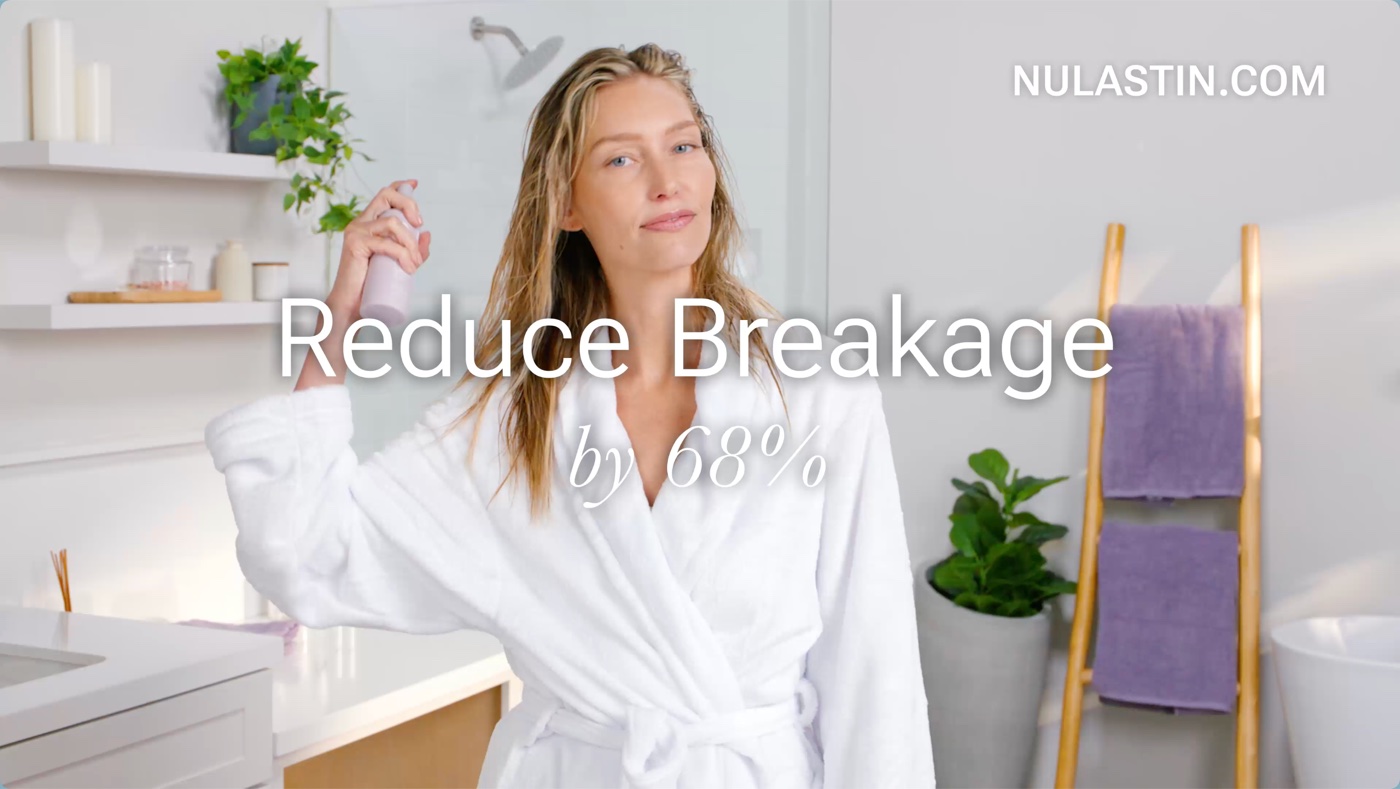
Drop your finished commercial hereMP4 or MOV · up to 4K · 15s, 30s or 60s
nulastin-breakage-30.mp41920 × 1080 · 0:30 · 42 MB
Ready for TV — no editing neededRun it
Haircare commercial playing full screen on a living-room TVLive on streaming TV
YOUR COMMERCIAL · FULL SCREEN · 1080P

Creative Studio

Already posted it on Instagram? You already have a TV ad.

Paste the link to any public Instagram post, reel and Bronco does the TV conversion for you. The content you've already made and already know performs? It's your first campaign.
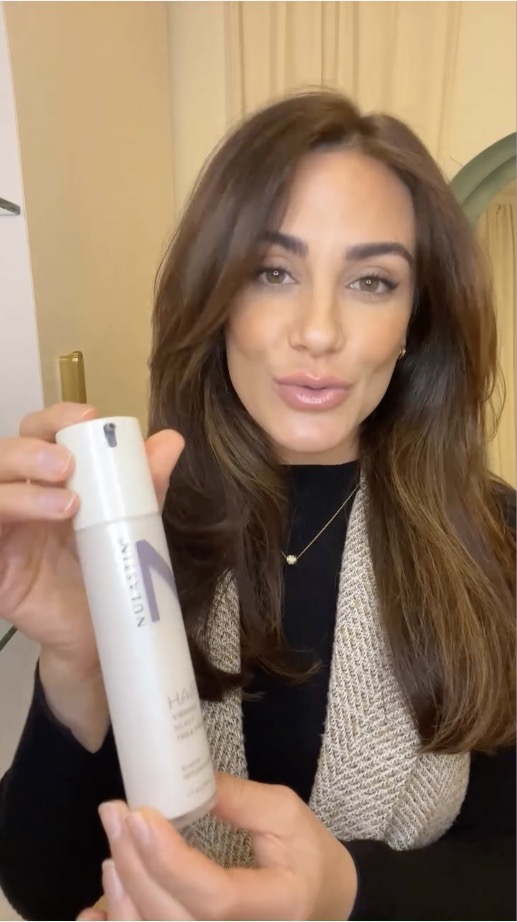
instagram.com/reel/DKw3xTqA9…Convert
Fill
Stronger hair starts here.nulastin.com
Scan to shop
Video still — creator holding a Nulastin hair treatment bottle
nulastin
Instagram
1080p0:30
PasteFrameCleanTrimDone

Frames it for widescreen

Your vertical video, centered on a 16:9 canvas you can fill and brand.

Upscales to 1080p

Phone footage comes out sharp enough for the biggest screen in the house.

Cuts it to TV length

Splits the video and drops the slow parts to land a clean 15, 30, or 60 seconds.

Studio · golden-hour-30Publish
LayoutTextImagesQR codeClips
Vertical social clip placed on the TV canvas

Golden hour,
every hour.

Slow-brewed campfire coffee

Built-in editor

Polish it for TV — right in your browser

No downloads, no editing software, no learning curve. The Studio editor gives you a real TV canvas and the handful of tools that actually matter for a great ad:

  • Layouts — place your vertical video left, center, or right on the TV canvas, and pick the canvas color behind it
  • Text that looks designed — you position and time on screen
  • Your logo, images and QR codes — upload once, place anywhere on the canvas
  • Trim, split, and rearrange clips on a simple timeline

When it's ready, hit Publish. Bronco renders a broadcast-quality video straight into your library.

One library

Every video ad, in one place

The Creative Library is home base for every video you run on TV — uploads, Instagram imports, and videos you build in Bronco. Rename, download, share, or archive without leaving the page.

Batch uploadDrop in several videos at once and watch them process in parallel.
Instant previewsWatch any ad full-screen, exactly as it'll appear.
Search and organizeFind any video by name in seconds.
app.bronco.run/creative
Creative LibrarySearch videos…Upload
0:30
golden-hour-30.mp41080p · 24.1 MB
0:15
trail-run-15.mp41080p · 11.8 MB
0:30
Processing…
morning-bowl-30.mov1080p · 214 MB
0:15
unbox-15.mp41080p · 9.4 MB
1:00
founders-story-60.mp41080p · 96.2 MB
0:30
summer-sale-30.mp41080p · 31.7 MB

No rejected ads

Know it'll play — before it runs

Every streaming publisher has its own technical rules for ads — resolution, length, file format, audio quality, and more. Bronco checks every video against real publisher requirements the moment it's uploaded — including the specs for premium streamers like Disney+, Hulu, and Tubi.

Checked automaticallyEvery upload, against every publisher, no button to press.
Precise feedbackSee your file's actual value next to the requirement it missed.
Upload first, fix afterWe accept more formats than publishers do, so you can see what needs fixing before you re-export.
bts-studio-cut.mp4Validations
Resolution1920×1080
File formatMP4 · H.264
Audio loudness−24 LKFS
Frame rate29.97 fps
Duration — must be 15, 30, or 60 seconds22s
Where it can run today
Hulu specTubi specDisney+ spec · 1 fix

Checked against each publisher's published ad requirements. Trim to 15, 30, or 60 seconds and it's ready everywhere — one export.

From couch to checkout

QR Codes: your website in every ad

TV reaches people; QR codes bring them back. Add a scannable code to any ad in seconds — viewers point their phone at the screen and land on your site. Add UTM tracking parameters right in the editor, so every scan shows up in your analytics attributed to the exact campaign that drove it.

TV ad with QR code
On screen
Slow-brewed. Trail-tested.Shop now
On their phone
Scans → visits

Attributed to Golden Hour · 30s

In your analytics

Reuse & measure

One video. Every campaign. Zero duplicates.

Attach any video in your library to any campaign — no re-uploading, no copies to keep in sync. Run the same ad in five campaigns and it's still one video, so its performance rolls up cleanly: impressions and spend per ad, across everything it's running in, side by side. You'll know which video is earning its keep and which one to retire.

No maximumRotate as many ad variations as you want.
Clean measurementCompare performance per video, across all campaigns.
0:30
golden-hour-30.mp4
IMPRESSIONS412kSPEND$3,120CPP$7.40

One video · performance across all three

Spring RetargetingLive · 188k impressions
Prospecting · WestLive · 141k impressions
Holiday PushScheduled · starts Nov 20

Collaborate

Send ads to anyone. No account needed.

Need sign-off from a client, or want to send finished ads to a partner? Select the videos, enter their email, and send. They get a link to a page where they can watch and download everything in their browser — no Bronco login, no attachments bouncing, no compression mangling your video. For a quick one-off, copy a share link straight from any video's menu.

Share 3 videos
dana@westward.comike@agencypartners.com
Send
bronco.run/s/8fk2w

Dana sent you 3 videos

Watch and download — no login required.

Download
Download
Download

Your next TV ad is closer than you think

If you have a video — or even just an Instagram account — you have everything you need to be on streaming TV. Bronco handles the rest.

Your brand hereReady for TV